

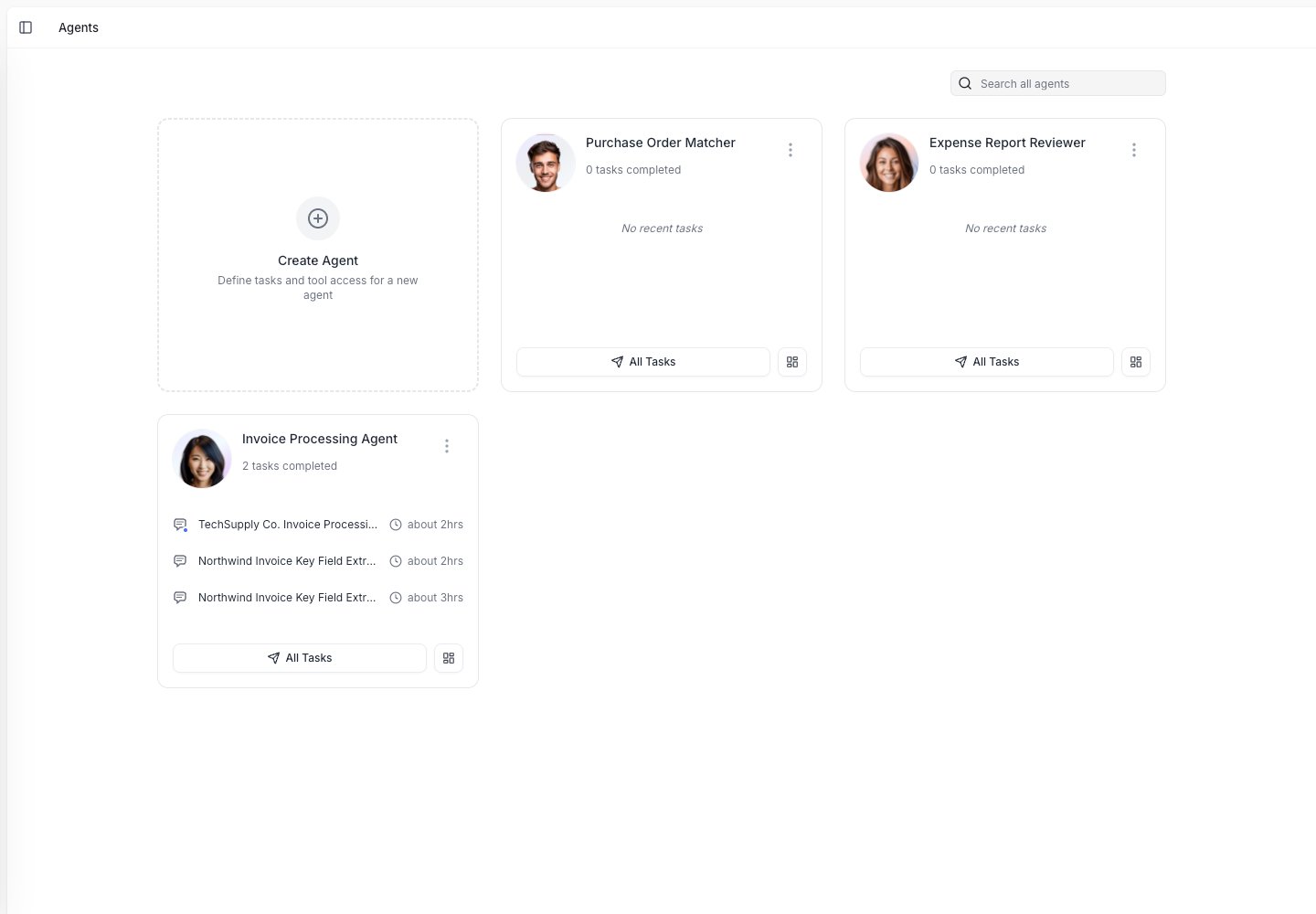
The Agents page lists your agents and lets you create a new one.
The main ideas
Agents
An agent is the workflow you set up. It knows what job to do, which steps to follow, and which tools it can use.
Tasks
A task is one run of an agent. For example, one invoice review or one customer email.
Tools
Tools let agents read documents, look up data, send emails, update spreadsheets, create files, and ask people for help.
Rules
Rules are what you teach the agent, by correcting a result, giving an instruction, or adding one yourself.
What an agent can help with
Agents are best for work that follows a repeatable pattern. They can help you:- Read documents and pull out key data.
- Check data against a spreadsheet or business system.
- Ask a person when something is unclear.
- Create a file, report, draft email, or spreadsheet.
- Send results to tools like Google Sheets, Google Drive, Slack, email, or ERP systems.
How the product fits together
1
Set up an agent
Describe the work, add steps, and choose the tools it can use.
2
Run a task
Give the agent a document, message, or request. The agent works through the steps.
3
Review the result
Check the output. If the agent asks a question, answer it in the task.
4
Teach the agent
Turn corrections and feedback into rules so future tasks get better.
Where to go next
Set up your first agent
Learn how to create an agent and set up its basic workflow.
Teach your agent
Turn corrections and feedback into rules so future tasks get better.
Connect your apps
Connect email, spreadsheets, storage, and business systems.
Understand teams and workspaces
Learn how your company, teams, and access controls are organized.